Knowant Tutor is liveSee products
Where learners and teams go to study smarter, capture clearly, write with confidence, and create faster

Where learners and teams go tostudy smarter

Tutor, Notes, Writer, and Creator help learners and teams study, capture, write, and create — without bouncing between separate AI apps. Start free and open the product that fits your next task.

Products

Tutor, Notes, Writer, and Creator

Each product does a real job: study, capture notes, write, or create visuals. Open a product page to learn more, or start free in the app.

Knowant Tutor study modes

Tutor

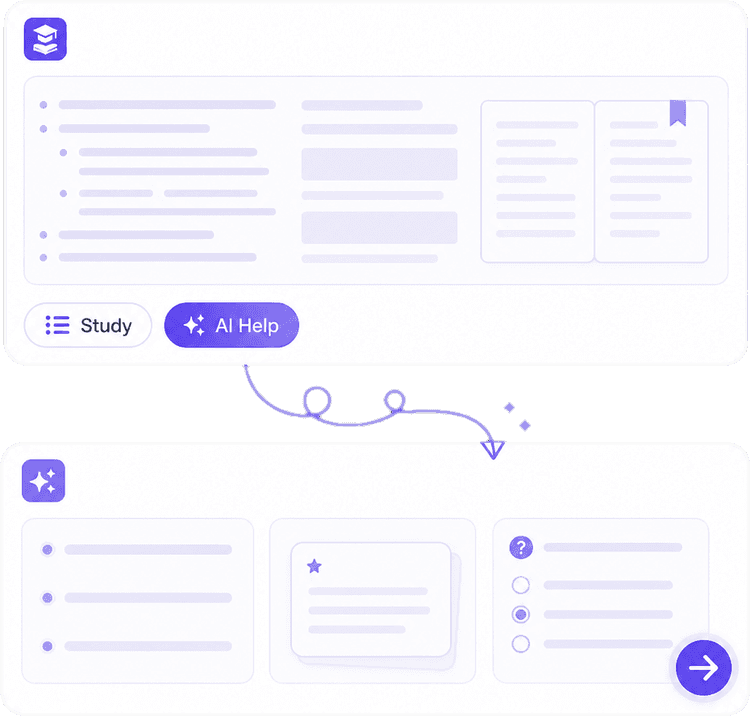
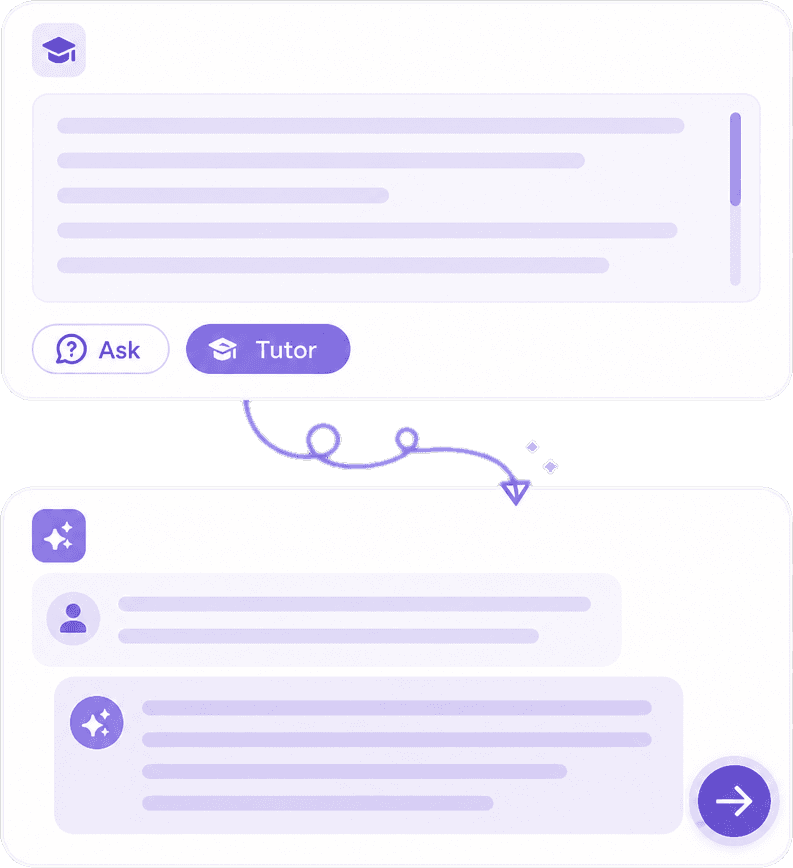
Turn PDFs, notes photos, and topics into study packs, quizzes, exam plans, and coaching in Knowant Tutor.

  • Homework help and assignment answers
  • Quizzes and exam practice from your notes
  • Coach Mode for step-by-step explanations
  • Install Tutor on your home screen
Knowant AI note taker

Notes

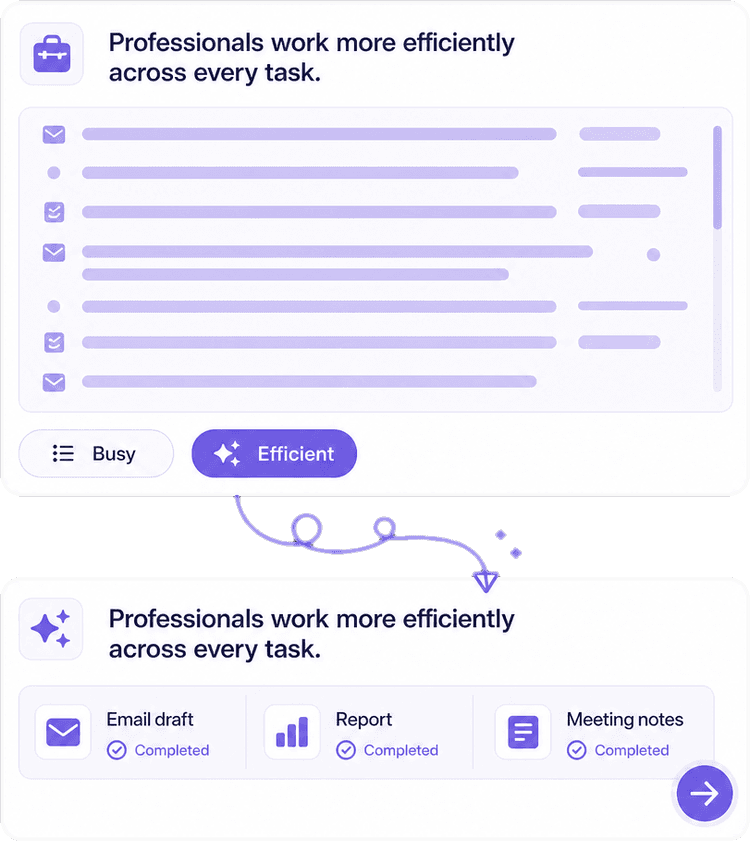
Record a class or a meeting, get speech to text, then leave with notes, action items, and a follow-up you can search.

  • Meeting notes and lecture capture
  • Speech to text and audio to text
  • Summaries and action items
  • Chat with the notes you already took
Knowant AI writer

Writer

Draft essays and emails, check grammar, paraphrase, and translate without opening a second writing app.

  • Grammar checker and spelling as you write
  • Paraphrase and rewrite in your tone
  • Essay writer and email drafts
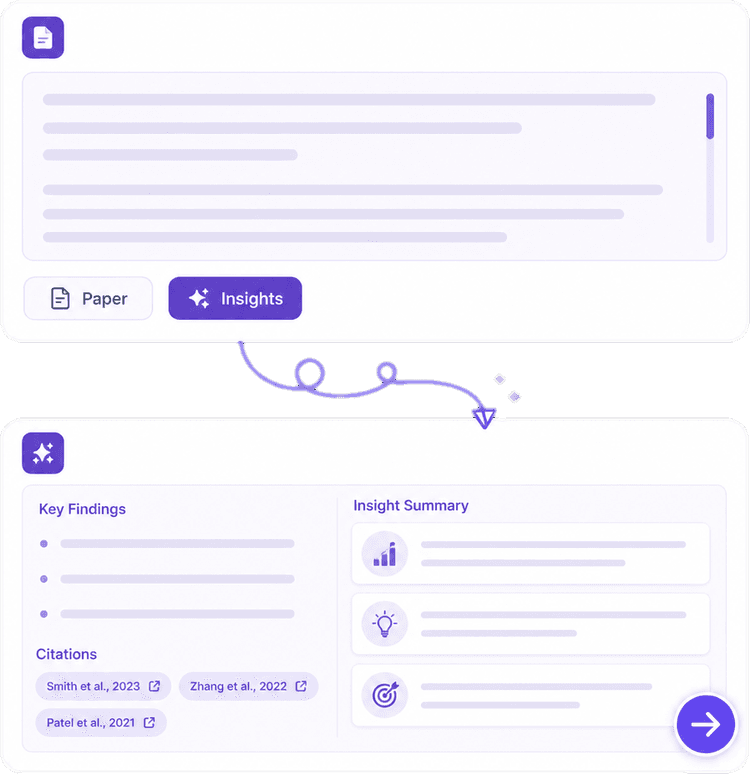
  • PDF, article, and YouTube summaries
Knowant Creator image and video tools

Creator

Generate images, edit photos, make short video, and build posts from the same credits you use to write.

  • AI image generator from a prompt
  • Image editor and background remover
  • Text to video and clips
  • Thumbnails, slides, and social posts

One workspace for writing, study, and meetings

Pick Tutor for study, Notes for meetings, Writer for drafts, or Creator for images and video. Each card below sends you to that product page.

Images, video, and posts in Creator

Write the script in Writer, then generate the image, clip, and voiceover in Creator without bouncing between apps.

  • AI image generator and editor
  • Text to video and presentations
  • Thumbnails and social posts
  • Same credits as Writer and Notes
Learn more about Creator
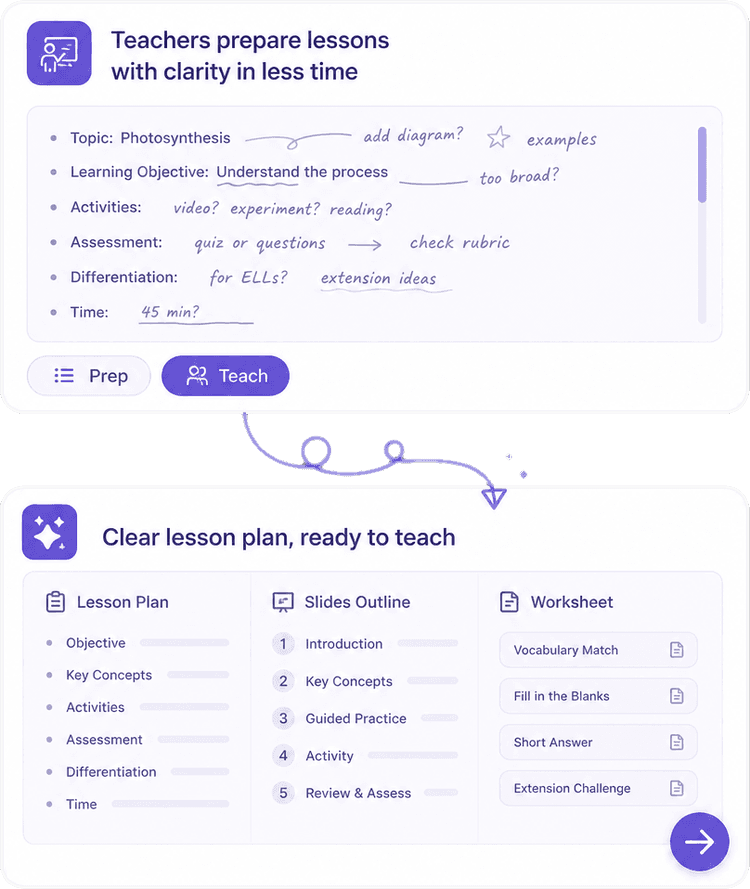
Images, video, and posts in CreatorHomework, quizzes, and coaching in TutorLesson plans and quizzes from TutorMeeting notes, then a draft in WriterPapers, summaries, and notes in Writer

Writers, students, and teams who closed the extra tabs

Trusted by growing teams
This AI Translator helps me understand academic materials in multiple languages while keeping the meaning accurate. It's much better than traditional translators.

Annika Palmari

International Student

99.2%

Customer satisfaction

4.9/5

Average review rating

24/7

AI-powered automation

Questions about Tutor, Notes, Writer, and Creator

What each Knowant product does, how install works, and how to get started.

Knowant is an AI workspace for learners and teams: Tutor for study, Notes for meetings and lectures, Writer for grammar and drafts, and Creator for images and video. See each product page for features and how to start.

Knowant

Start free with the product you need

Open Tutor, Notes, Writer, or Creator and begin with the tools built for that job.