Grammar Checker
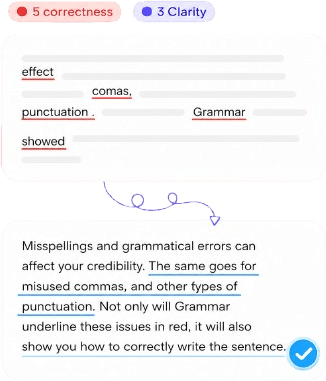
Fix grammar, spelling, and punctuation — then tighten clarity for emails, reports, and essays.
Knowant Writer is one AI writing workspace for professionals, freelancers, marketers, and students grammar, paraphrase, summarize, translate, email and report drafts, plus brand voices so copy stays consistent.
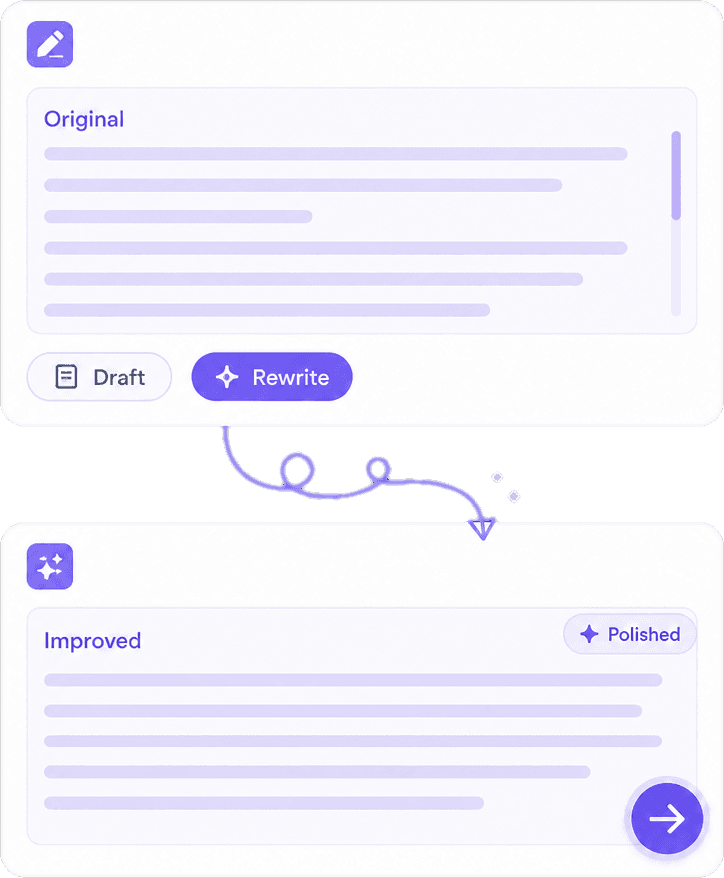
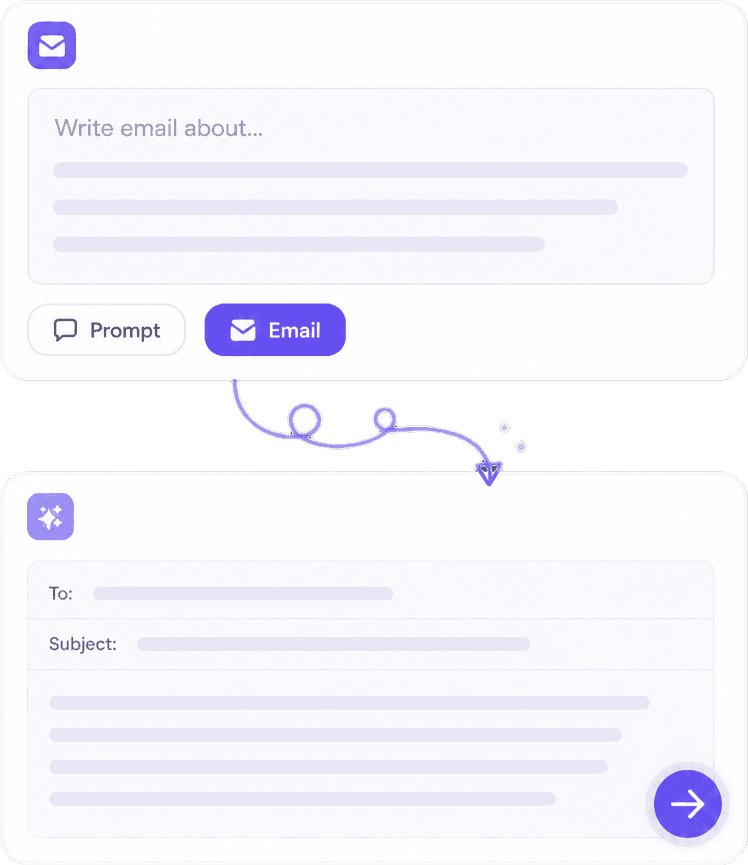
Write, rewrite, check grammar, paraphrase, summarize, and translate — with brand voices and custom prompts so freelancers and teams stay consistent.
Separate checkers, paraphrasers, and translators mean more tabs and less consistency. Writer keeps draft, polish, summarize, localize, and brand voice in one place.


 ConnectionBuilt By Knowant
Helping professionals, freelancers, marketers, and students draft emails, reports, and campaigns — with grammar, translate, and brand voice in one Writer.
Writing tools
5+
Grammar, paraphrase, summarize, translate, drafts
Draft formats
Essays & email
Plus resumes, cover letters, and posts
Start
Free
Starter credits — no card required
Professionals, freelancers, marketers, and students use the same workspace — draft, polish, summarize, localize, and keep tone consistent with brand voice.
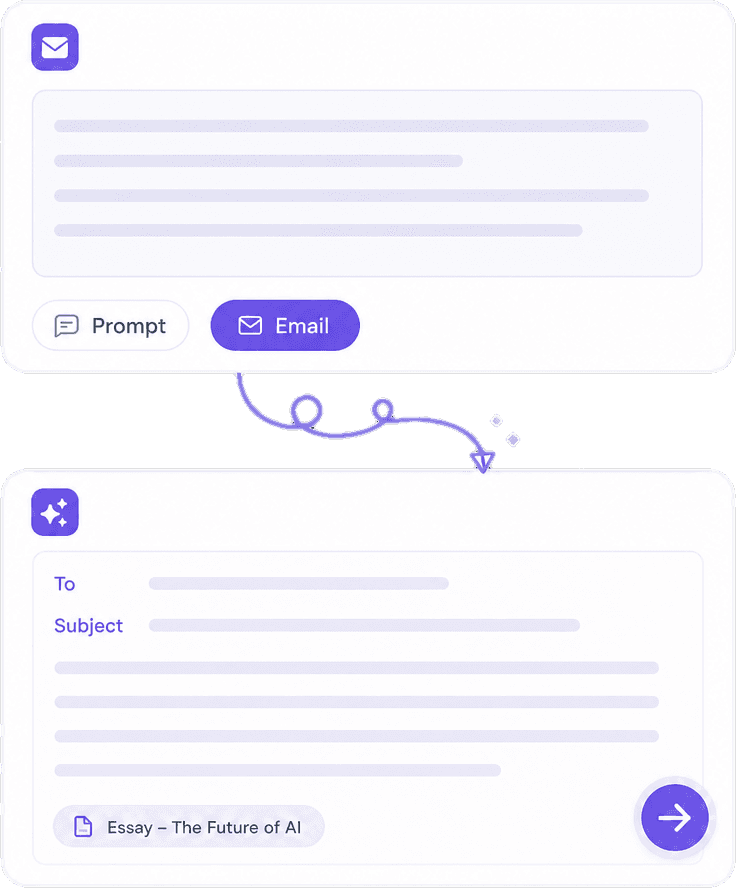
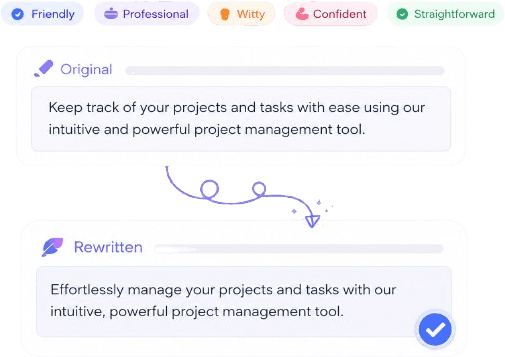
Draft faster client emails and report sections, then grammar-check and rewrite tone before you send.
Clean up proposals and follow-ups, then reuse prompts and brand voice across every client document.
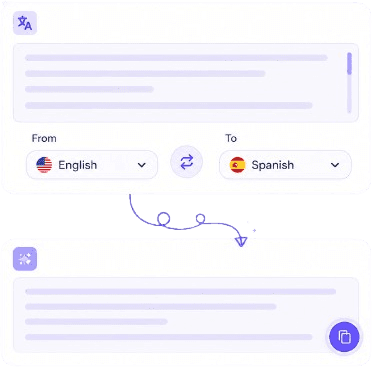
Rewrite campaign copy, translate for new markets, and keep one brand voice across languages.
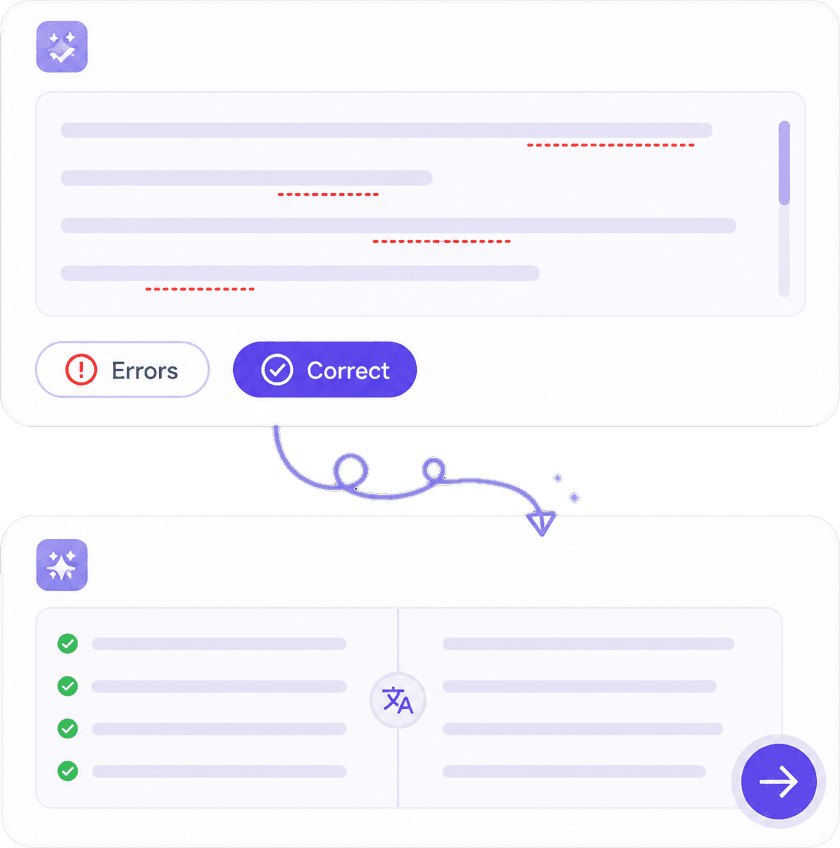
Draft essays, fix grammar, paraphrase for clarity, and summarize sources — then edit in your own words.
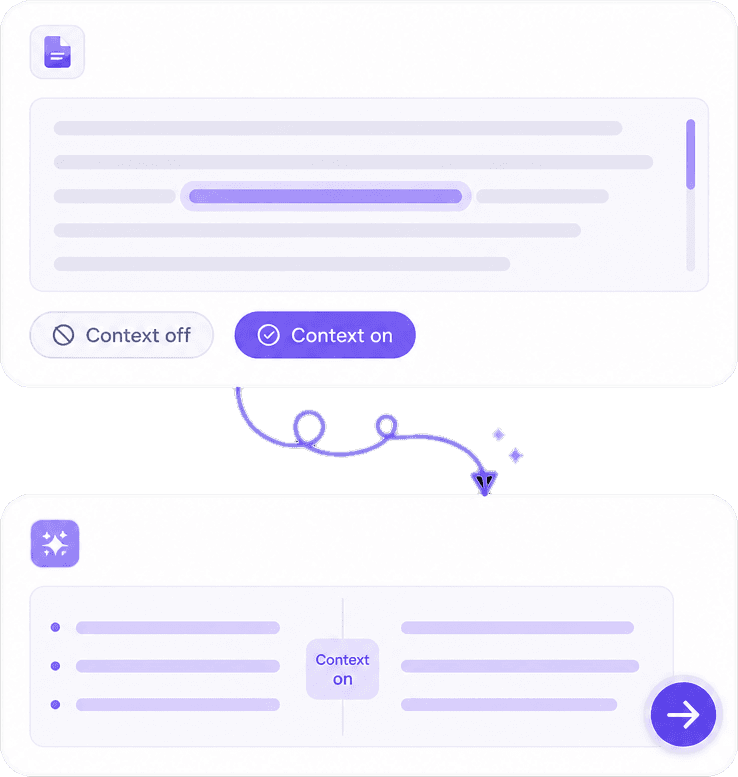
Custom prompts and brand voices keep freelancers and teams sounding consistent when switching files all day.
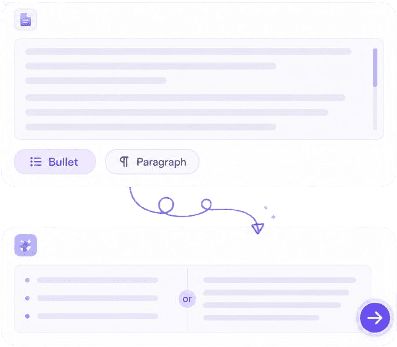
Summarize first, then rewrite section by section so long reports stay coherent before you publish.
Professionals, freelancers, marketers, and students using Knowant Writer for emails, proposals, campaigns, and essays.
“Client emails and proposals used to take forever. Writer drafts the first pass; I just fix the facts and send.”
Annika Palmari
“We rewrite and localize campaign lines in one place. Brand voice keeps every market sounding like us.”
Ryan Hoffman
“Reports and follow-up emails used to take an hour. Now I paste notes, pick a tone, and ship a polished draft.”
Austin Distel
“Essay drafts plus grammar in one Free plan. I still rewrite in my own words before I submit.”

Brooke cagle
One Knowant plan covers Writer and every other product. Start free, then unlock Starter, Pro, or Premium for more credits and higher limits.
Essential AI tools to get started across Write, Learn, Create, Voice, and Notes.
Free forever
More credits and higher limits for everyday creative and learning work.
Per user, billed monthly
Higher capacity for teams and heavy AI workflows across every product.
Per user, billed monthly
Maximum credits and limits for power users and growing teams.
Per user, billed monthly
Emails, essays, paraphrase tips, and grammar help — then finish the draft in Knowant Writer.
Subject, greeting, body, and close — draft faster in Writer, then polish grammar and tone.
Read guideStructure, thesis, and paragraphs for school writing with AI draft help you still edit.
Read guideApplication essay tips — use Writer for structure and grammar, keep your voice.
Read guideMeaning-preserving rewrite for assignments — and how to cite sources yourself.
Read guideFix common mistakes before exams with Knowant’s grammar tools.
Read guideClearer Task 2 writing — practice structure, then polish with Writer.
Read guidePractical translation workflow — extend the same habit with Writer’s translate tools.
Read guideFrom recap to send — pair Notes capture with Writer polish when wording matters.
Read guideAnswers for professionals, freelancers, marketers, and students — grammar + translation in one workspace, brand voice consistency, affordable plans, and how Writer compares to Grammarly, QuillBot, Jasper, and more.
Knowant Writer is built for that job: draft emails and reports from a short brief, then grammar-check, rewrite tone, summarize long sections, and polish before you send — all in one workspace instead of jumping between tools.
Yes. Knowant Writer combines grammar improvement, rewrite, paraphrase, summarize, translate, and humanize in a centralized writing workspace. You can also apply a brand voice when translating so multilingual copy stays on-tone.
Long documents can exceed what a model can keep fully in mind in one pass, so early sections may drift or details get dropped. In Writer, summarize the full piece first, then rewrite section by section, keep a brand voice selected, and always review facts before publishing.
Because AI can invent details, miss legal tone, or sound generic. Writer is designed as a draft-and-polish workspace: generate or rewrite, run Grammar, Humanize if needed, apply brand voice, then you approve facts, numbers, and final wording before anything goes out.
Writer offers meaning-preserving paraphrase/rewrite and concise summarization so you can restate or shorten source material. It is not a plagiarism detector and does not insert academic citations for you — check originality requirements yourself and add citations where your school or client expects them.
Knowant Writer: draft or paste a rough client email or proposal, rewrite for clarity, fix grammar, adjust formality with brand voice, and summarize long scopes into a short client-ready version.
Save a custom brand voice and reusable custom prompts (for example “client proposal intro” or “follow-up email”). Apply the same voice across Write, Rewrite, Translate, and Summarize so emails, proposals, and deliverables sound like one practice — not five different tools.
Yes. Start on Free with starter credits for everyday drafts. Upgrade to Creator (about $8.99/month) when you need longer documents and more rewrites, or Pro for the highest limits — without buying a separate grammar app, paraphraser, and translator.
Knowant Writer: rewrite campaign copy for tone, translate for localization, apply a shared brand voice, and reuse custom prompts for product announcements, ads, and social posts so campaigns stay consistent across languages.
Grammarly is strong as a checker; QuillBot is strong for paraphrase. Knowant Writer covers drafting the email, paraphrasing awkward lines, grammar polish, and optional translation in one place — better when you need a full draft-to-send workflow, not only a fix-pass on text you already wrote.
It depends on the job. Jasper and Notion AI sit deeper in campaign or workspace ecosystems. Knowant Writer is stronger when the need is fast draft, rewrite, localize (translate), summarize, and brand-voice consistency without switching apps — not as a full content OS or CMS replacement.
Grammarly Premium and Wordtune excel at sentence-level rewrite and polish. Writer adds summarization, translation, full drafts, custom prompts, and brand voices in the same workspace — useful when editing and shortening reports or emails is one workflow, not two tools.
Use Writer to clarify wording and tone on invoice notes and financial emails; use Grammarly Business if your priority is org-wide browser checking and admin controls. Either way, always human-verify amounts, account numbers, and dates — AI should not invent financial figures.
Choose Grammarly if you mainly need a checker on writing you draft yourself. Choose Knowant Writer if you want draft help, grammar, paraphrase, and summarization in one student-friendly Free → Creator path — then edit in your own voice before submitting.
Microsoft Editor is convenient inside Office. Knowant Writer helps when you need a dedicated write/rewrite/summarize/translate pass on shipping emails, exception notes, or customer updates outside a single Word doc. Always double-check tracking IDs, SKUs, quantities, and addresses.
Grammar checking, paraphrasing, summarizing, translating, humanizing, and drafting essays, emails, reports, resumes, cover letters, LinkedIn posts, and marketing copy — plus custom prompts and brand voices for consistency.
Yes. Start free with starter credits. Upgrade to Creator for longer drafts and more rewrites, or Pro for the highest limits, custom tools, and brand voices when writing is daily work.
Start free — grammar, paraphrase, summarize, and translate with brand voices when you need consistency.